User-Friendly Memory Training Apps for Beginners
Table of Contents
Encoding new facts needs practice, but retaining them in the long-term is a complex cognitive task that depends on how information is structured and reinforced over time. The most user‑friendly memory training app for beginners doesn’t just provide exercise. It teaches strategies that will stick with you.
Creating a mental map of data in Sherlock’s mind palace, reviewing key ideas in quick, gamified micro‑lessons, or linking facts with clever mnemonics are all possible using smartly designed apps. With these techniques, your brain can form stronger memory associations, while the simplicity of the apps helps turn scattered knowledge into lasting recall.
What Makes a Memory Training App “User‑Friendly”?
An intuitive memory aid app involves more than just having a beautiful interface. It must be designed around how your brain works in terms of memory organization, absorption, and retrieval.
An app that is easy to understand ensures simple learning. Clear instructions are great for our brains and always result in better concentration, and better concentration is key to memory improvement for beginners.
The use of micro-lessons is another significant component. Breaking down information into bite-sized, manageable chunks is in sync with the workings of working memory. Repeated learning with short bits helps develop strong connections in the brain.
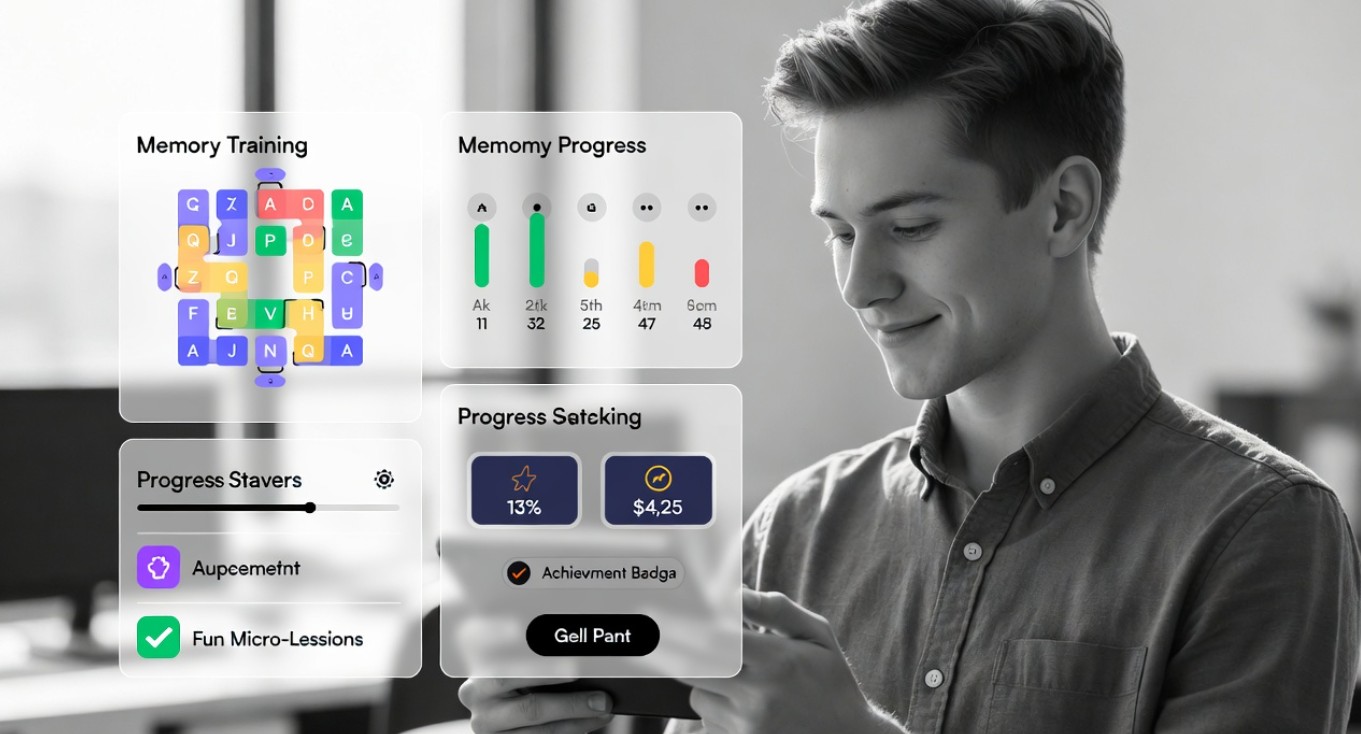
Moreover, most apps use reward mechanisms, such as points, badges, and mini-quizzes. It engages the reward centers in the brain and, in turn, helps develop motivation to gain cognitive skills.
In addition, tracking progress is essential to any easy memory app. Visual cues such as mastery levels or achievement markers turn practice into measurable gains.
The best memory training apps offer simplicity, feedback, and scientifically valid techniques altogether. The memoryOS app is a perfect example of this. It guides users through interactive mental maps, connects information using mnemonics, and reinforces knowledge using spaced repetition.
Its lessons come in short, playlike learning sessions rather than dry drills. Beginners can breeze through the most complicated stuff with ease. This is a scenario in which learning can be effective and fun at the same time. With memoryOS, structured practice turns into natural recall, while usability and real results go hand in hand.
memoryOS — Best App for Beginners
The memoryOS app earns its place as the number one tool because it teaches our memory the way the brain prefers to learn. Its virtual mind palaces utilize familiar locations for visual anchors for placing information in those locations. It is extremely useful for those in an academic or professional setting who need to work with structured information, such as presentations or exams.
The addition of spaced repetition to mnemonic techniques illustrates how memory can be strengthened through time. The processing of information at specific moments in time, combined with associations in memory, is fundamental to memory improvement techniques.
With memoryOS features that show progress and developments, the motivation to learn more is reinforced. This results in an easy memory app that assists both beginners and advanced users alike.
Other User-Friendly Memory Training Apps
The memoryOS platform is clearly the most user-friendly memory training app for beginners. However, it’s beneficial to learn other memory options to understand how they assist in learning and encoding, and what their limitations might be.
EdApp uses micro-learning with gamification features and a simple design. It is useful for quick knowledge check activities. However, its design is not suited for building long-term retention.
Peak provides exercises to improve attention and processing speed. These activities appear to be fun to do; however, they are more focused on overall cognition rather than structured retrieval or memory association exercises.
Quizlet is widely used for flashcards. The system is flexible and intuitive, but the retention level depends on how well it is created.
Lumosity offers great cognitive games, along with analysis capabilities. However, it does not have an organized way to retain complex information.
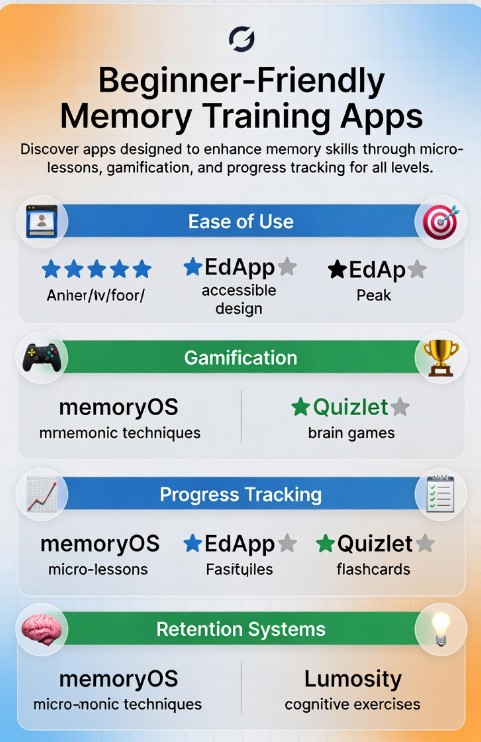
| App | Beginner‑Friendly | Gamification | Progress Tracking | Retention System |
| memoryOS | ⭐⭐⭐⭐⭐ | ⭐⭐⭐⭐ | ⭐⭐⭐⭐⭐ | ⭐⭐⭐⭐⭐ |
| EdApp | ⭐⭐⭐⭐ | ⭐⭐⭐⭐ | ⭐⭐⭐ | ⭐⭐ |
| Peak | ⭐⭐⭐⭐ | ⭐⭐⭐⭐ | ⭐⭐ | ⭐⭐ |
| Quizlet | ⭐⭐⭐⭐ | ⭐⭐⭐ | ⭐⭐ | ⭐⭐ |
| Lumosity | ⭐⭐⭐⭐ | ⭐⭐⭐ | ⭐⭐⭐ | ⭐⭐ |
This table compares apps and beginner memory games in the areas that matter most to beginners, including ease of use, gamification, progress monitoring, and retention.
How to Choose the Right Memory App as a Beginner
With cognitive growth, the aim isn’t to work harder, but rather work smarter. A solid memory app should offer progress tracking. It also needs to be backed by science because memory isn’t a random process. The memory system follows a pattern that can be trained, and memoryOS encompasses these important features.
Choosing the right memory app can transform the way you learn. For beginners who want simplicity, structure, and proven techniques, memoryOS stands out as the top choice.